







A messy rack slowly blocks growth. Slack hides free switch ports, and at today’s typical density of 11 kW, cable bundles in front of the fans become a heat problem. This post lists the checks to run before you add new gear and explains how a clean rack layout turns into a template. That’s how one sporting goods retailer rolled out a single standard across more than 1,700 stores.
Every rack starts tidy. Then comes the first urgent change, the long patch cord “just for now” and the new switch squeezed in on a Friday afternoon. A year later, nobody wants to touch it, and every expansion feels like surgery.
That’s the real cost of a messy rack: it stops you from growing. A scalable network rack has less to do with bigger hardware than with discipline. Keep things clean, and adding the next switch, the next floor or the next site stays routine.
Key facts
Growth multiplies whatever is already in the rack. If the base is chaos, each expansion adds more of it:
It’s like adding rooms to a house with no floor plan. The first extension works. By the third, nobody knows where the pipes run.
A clean rack grows in a straight line instead of a tangle. Before you add anything new, check that your rack ticks these boxes:
That’s the idea behind patchbox.one from Patchbox. Every patch cord pulls out to the length you need and retracts when you’re done, so a new connection never adds slack. The Patchcatch works as 0RU cable management and leaves every rack unit for hardware. Patchdocs keeps track of the cables, patch panels and ports that no IPAM or CMDB covers.
The biggest payoff comes when you grow beyond one room. Once a rack layout works, it becomes a template. Same port numbering, same labels, same cord lengths. A technician who knows one site can work in any of them.
That’s how a sporting goods retailer rolled out one standard across more than 1,700 stores. With a messy starting point, every new site would have meant a fresh puzzle. With a clean one, it’s copy and paste.
If NIS2 applies to you, our NIS2 report covers the physical side in more detail.
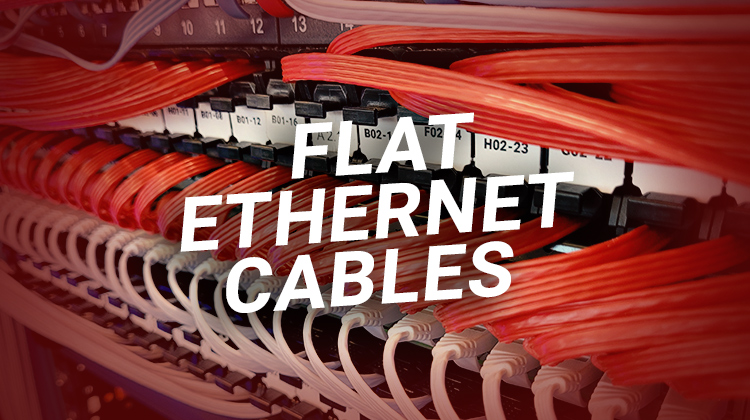
Cable bundles hanging in front of the fans block airflow. With the most common rack density now at 11 kW, according to the 2026 Uptime Institute survey, that quickly turns into a heat problem. Patch cords cut to the actual distance keep the airflow path clear.
Label both ends of every cable, using one naming scheme across the whole site. A scheme based on the TIA administration standard is a good starting point. Use the same scheme at every new site, so labels mean the same thing everywhere.
53% of operators struggle to find qualified staff, so a newcomer has to understand the rack without a guided tour. When every port is documented in a tool the whole team can reach, an expansion no longer waits for the one colleague who knows the setup. Patchdocs covers the cables, patch panels and ports that IPAM and CMDB tools leave out.


Simplify your IT. Download our product brochure for free as PDF – in English, German, Italian or French.
We show you step by step how to use our products correctly and also give you valuable tips and tricks to make your life easier!
We leave no question unanswered! Take a look at our Frequently Asked Questions and let us resolve your concerns.
Do you need help? Don't worry, we are here for you and will try to answer your support request within the next 24 hours.