
Why Rack Installations Often Cost More Than Just Time
In theory, rack installations are quick: fit the hardware, connect the cables, done. In practice, they often take longer than expected—not because of one major issue, but because of all the little frustrations that crop up during almost every installation.
Even as you get faster with each installation and learn to avoid mistakes, they still happen. Some only come back to haunt you later, during troubleshooting or when making changes to the configuration.
5 Things That Cost You Time or Patience
Here are five of the most common culprits, and whether they tend to slow you down now or cause trouble later:
| What | The frustration | What helps |
| Cage nuts | They fall out, won’t tighten properly, require tools and can injure your fingers | Use cage-nut-free systems or tool-free cage nuts |
| Installing heavy hardware alone | Holding equipment and fastening it at the same time is almost impossible, yet installations are often a one-person job | Use installation aids |
| Limited space around the rack | Every task takes longer, with barely any room to move | Plan for sufficient maintenance clearance from the start |
| Clear labelling | It takes time and requires consistent effort | Make labelling part of the process from day one—troubleshooting takes much longer without it |
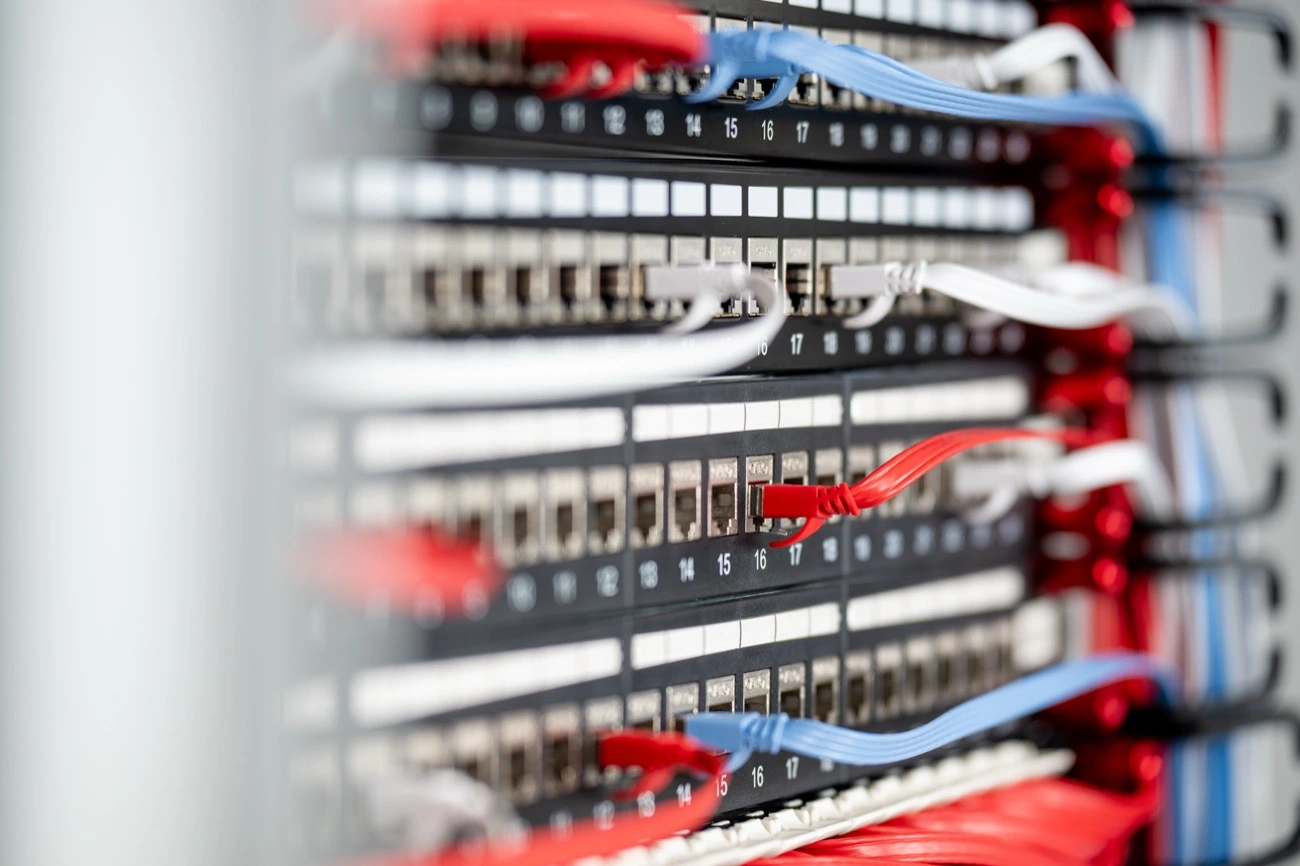
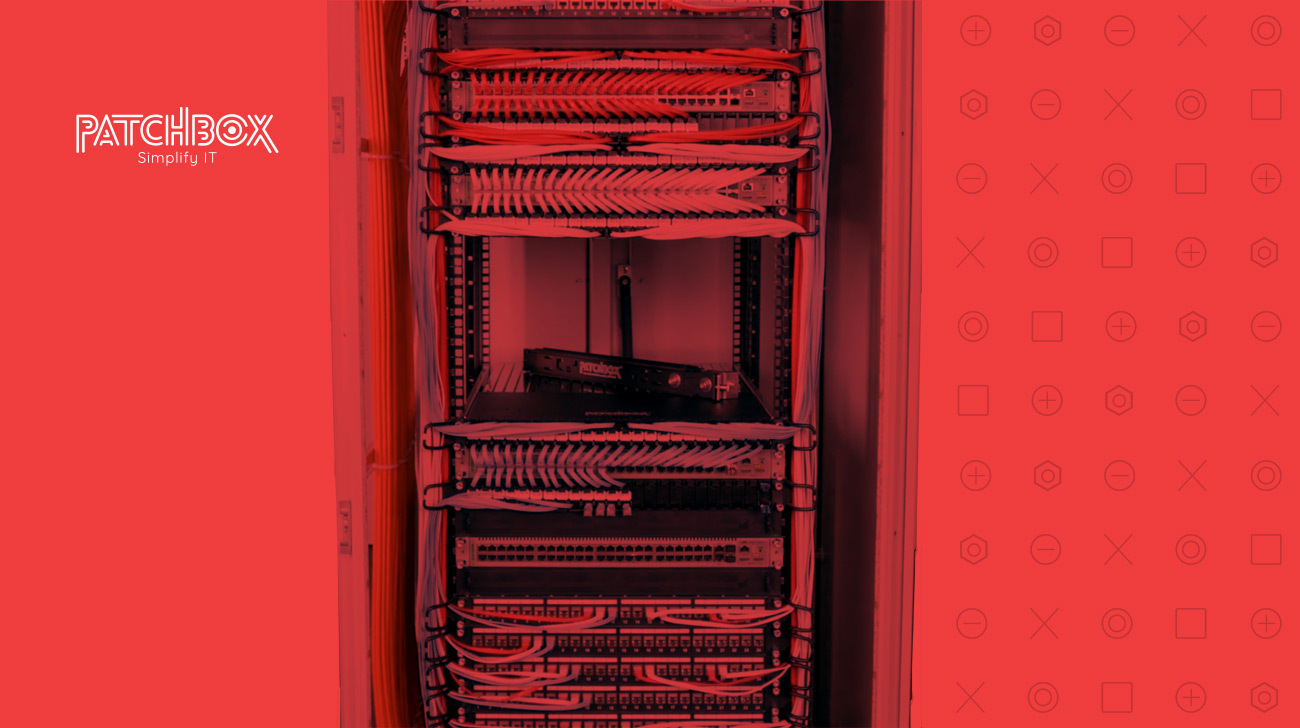
| A rack that looks cobbled together | The configuration grows over time, becomes cluttered and difficult to maintain, and looks unprofessional | Use a consistent cable management system instead of a collection of individual parts |
That last point applies to cable colours as well as hardware. Deliberate colour coding—for example, one colour per function—makes sense and helps you keep track of things. The real problem is the random mix of colours that develops when, for months, you simply use whichever cable happens to be within reach, without any system behind it. A month later, you may no longer remember why you used one colour here and a particular cable length there.
How to Avoid Both Immediate Delays and Future Headaches
- Use installation aids instead of relying on a second person.
- Prepare your toolkit and spare parts in advance, including items such as tool-free cage nuts. Never go without your go-to toolbox: built on your experience, designed to save you time.
- Plan for sufficient maintenance clearance around the rack from the start.
- Label consistently from the very first installation, rather than waiting until you “have time”.
- Choose a consistent system instead of individual parts, so your rack still looks cohesive after its tenth expansion.
One System Instead of a Patchwork
Many of these issues have something in common: they arise when you improvise rack by rack, device by device, instead of relying on a well-designed overall system. That is exactly where our tools come in: Setup.exe supports heavy hardware during installation, /dev/mount is the time-saving, finger-friendly alternative to cage nuts, and patchbox.one keeps your rack looking like a cohesive system, even after repeated changes.