

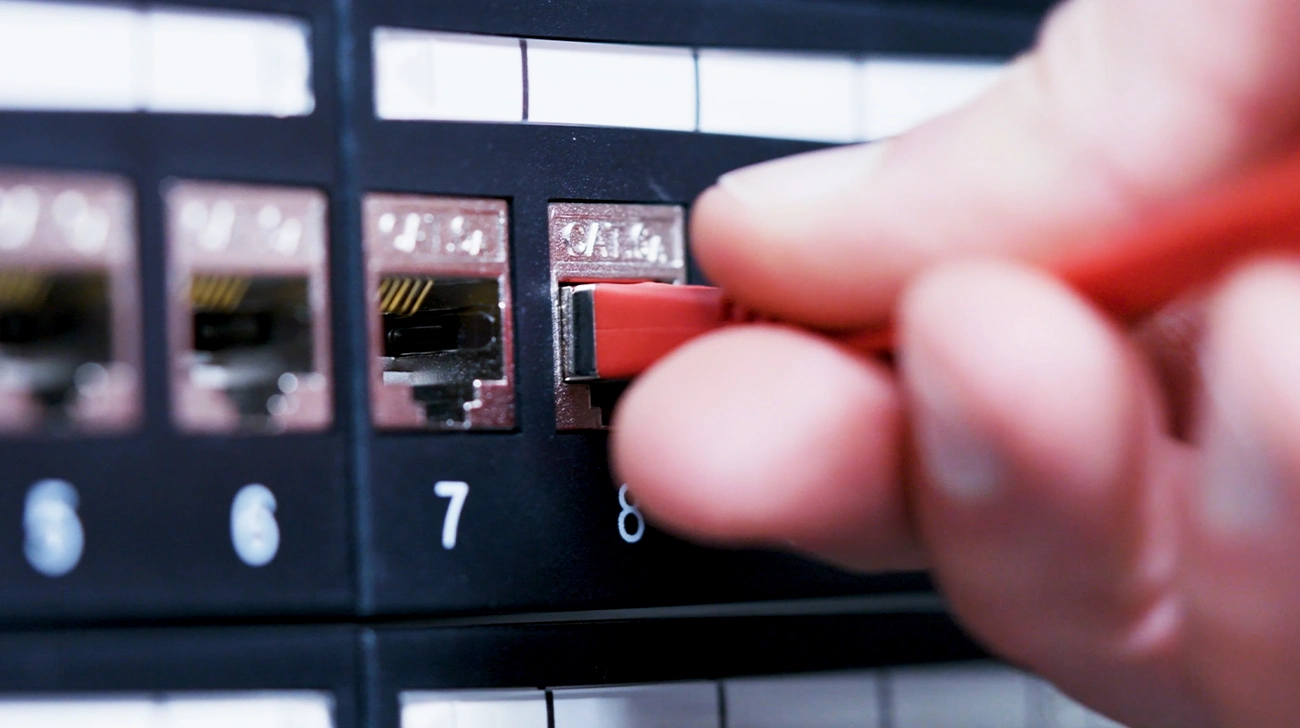



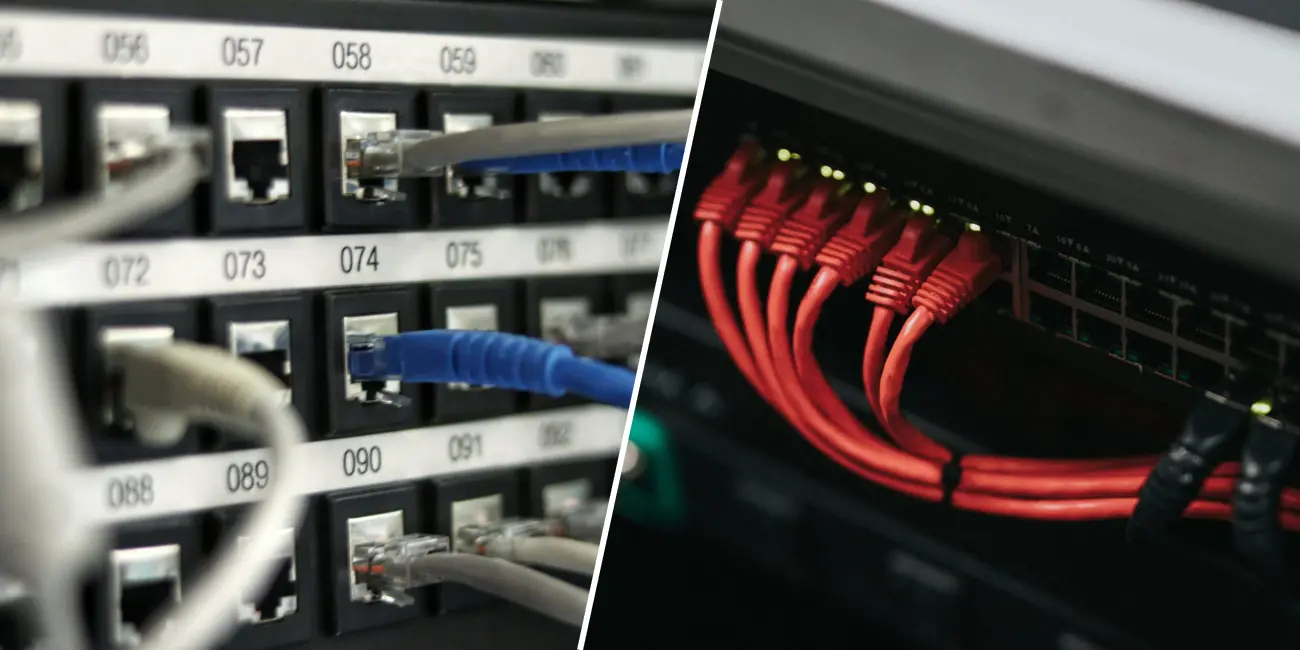
Think of a patch panel as the reception desk of your cabling. Every permanent run from a desk, an access point or a camera ends on the back of the panel. On the front, you get a tidy row of numbered ports.
The panel has no power and no brain. It never reads a packet. Its only job is to give each fixed cable a stable home, so you never have to touch the run inside the wall or the ceiling again. When someone changes desks, you move a short patch cord on the front. The cable behind it stays exactly where it is.
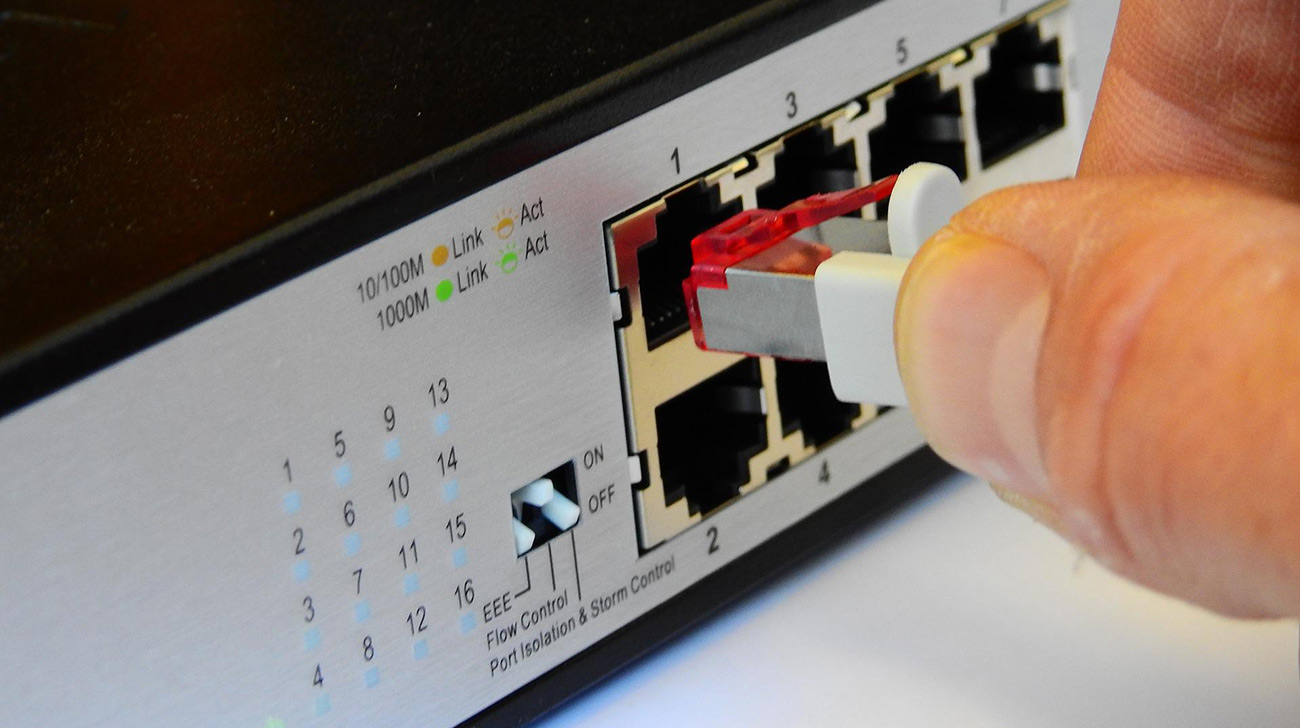
A switch is where your network actually makes decisions. It needs power, runs firmware and learns which device sits behind which port. When data arrives, the switch sends it only to the port where the receiver lives. An old hub would have shouted it at every port.
Managed switches go further. You can split traffic into VLANs, power phones and access points through PoE, and watch every port for errors. So if the patch panel is the reception desk, the switch is the person who knows where everyone sits and walks the mail over.
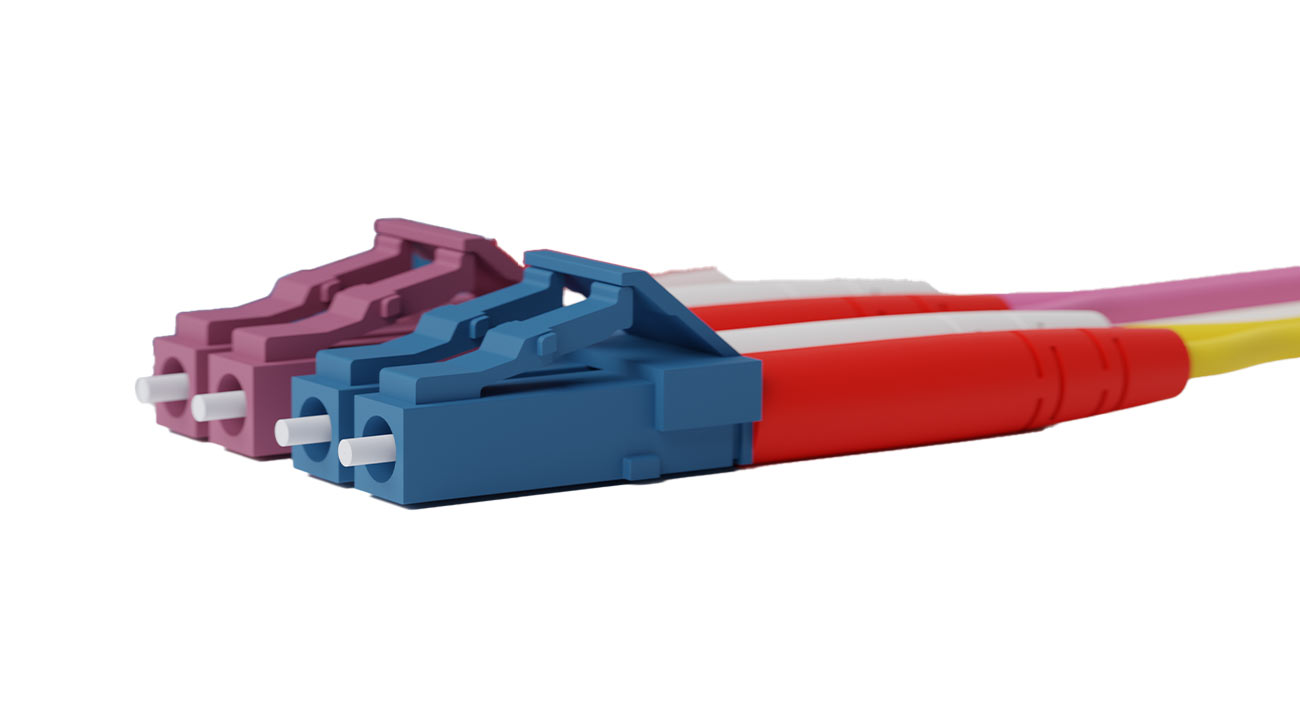
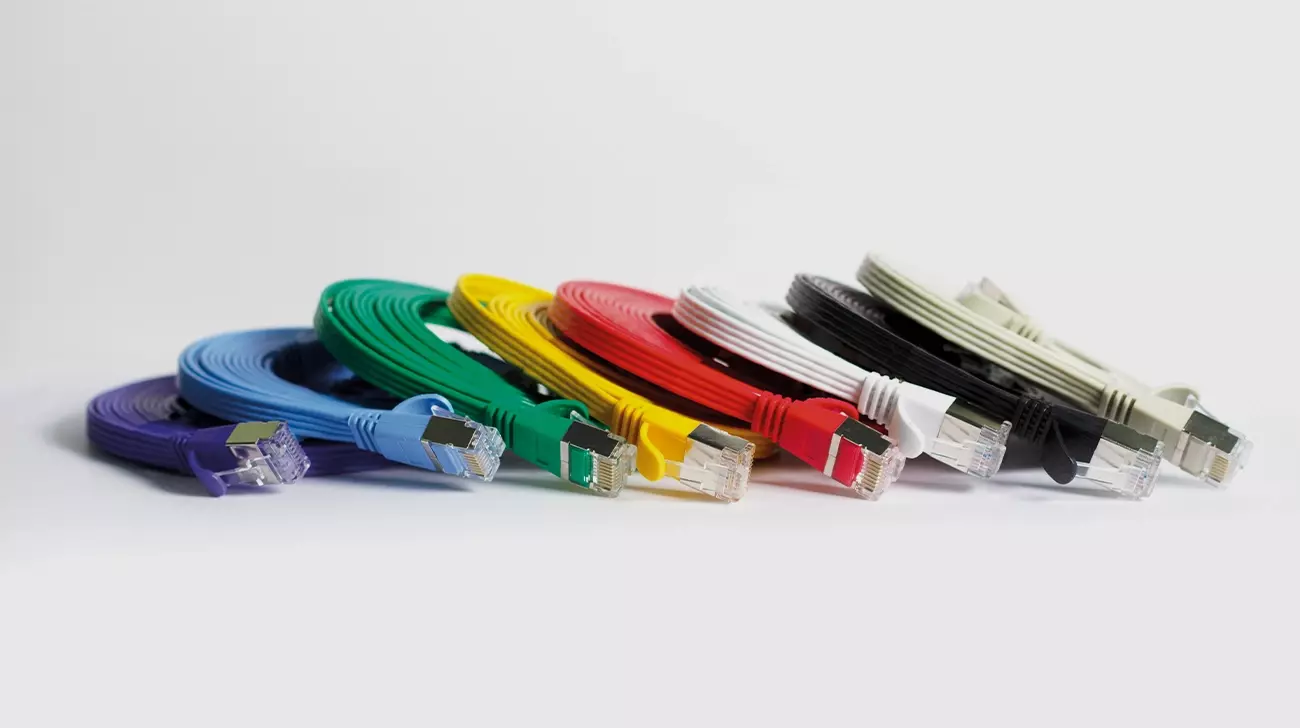
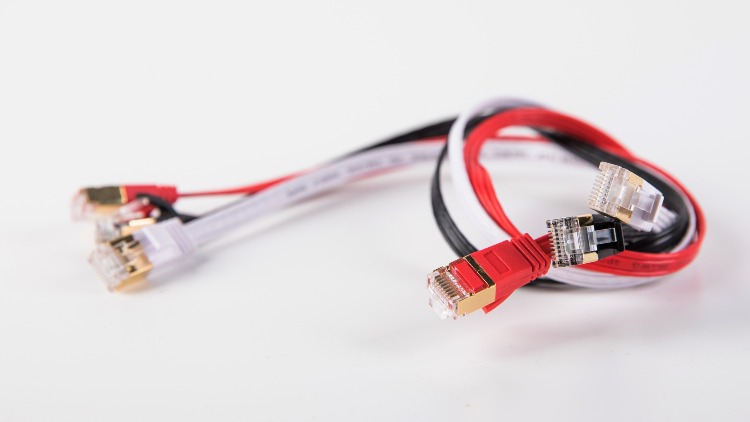
The classic layout is simple: patch panel on top, switch right below, short patch cords in between. Each panel port stands for a room or a device. Each switch port stands for a network function. The patch cord is the part you change.
Say a printer moves from the 2nd floor to the 3rd. You don’t touch the horizontal cabling, and you don’t touch the switch config. You pull one patch cord and plug it into a different panel port. Two minutes, done.
That flexibility has a price, though. A 48-port switch under 2 24-port panels means 48 patch cords hanging in front of your rack, and that’s exactly where cable spaghetti starts. It’s also why we build our cable management for this spot. Every patchbox.one ships with 6 Patchcatch, enough for 1 switch and 2 patch panels.
In a small closet with 5 devices, you could plug the wall runs straight into the switch. It works. Until the day you replace that switch and have to drag every stiff, solid-core cable out of the back, one by one.
For anything beyond a handful of ports, use both. The patch panel protects your permanent cabling. The switch handles the traffic. Once both are in place, write down which panel port leads where, because “ask Dave” isn’t documentation. Patchdocs documents exactly this layer: the physical cables, patch panels and ports that no IPAM or CMDB tracks.
No. A patch panel is passive, so it can’t forward traffic or connect 2 devices to each other. Without a switch, its ports are just labelled cable ends.
Not if you match the category. Use a panel rated for the same cable category as your permanent runs and patch cords. When a port causes errors, the culprit is usually a sloppy termination on the back, not the panel itself.
A 1:1 ratio is the usual starting point: a 24-port panel for a 24-port switch, or 2 24-port panels for a 48-port switch. Leave a few spare ports for growth. You’ll thank yourself at the next office move.



Simplify your IT. Download our product brochure for free as PDF – in English, German, Italian or French.
We show you step by step how to use our products correctly and also give you valuable tips and tricks to make your life easier!
We leave no question unanswered! Take a look at our Frequently Asked Questions and let us resolve your concerns.
Do you need help? Don't worry, we are here for you and will try to answer your support request within the next 24 hours.