
What Does “Structured Cabling” Mean in a Network Rack?
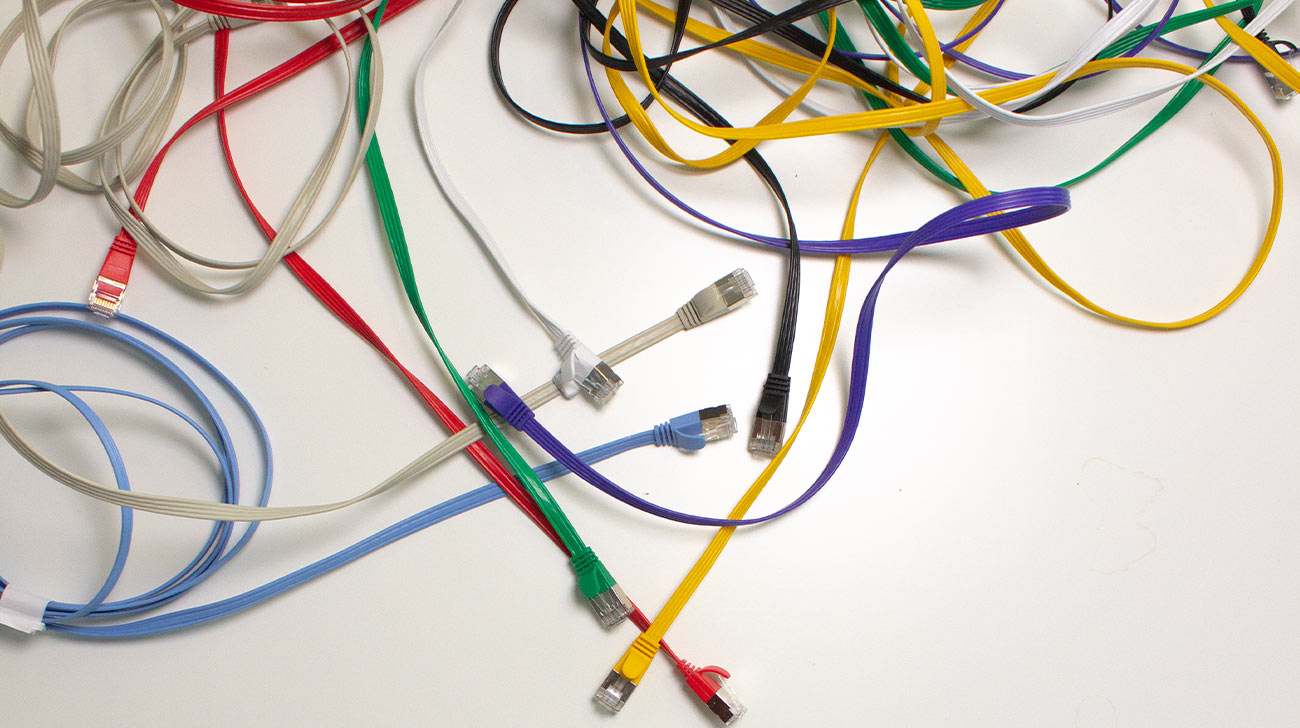
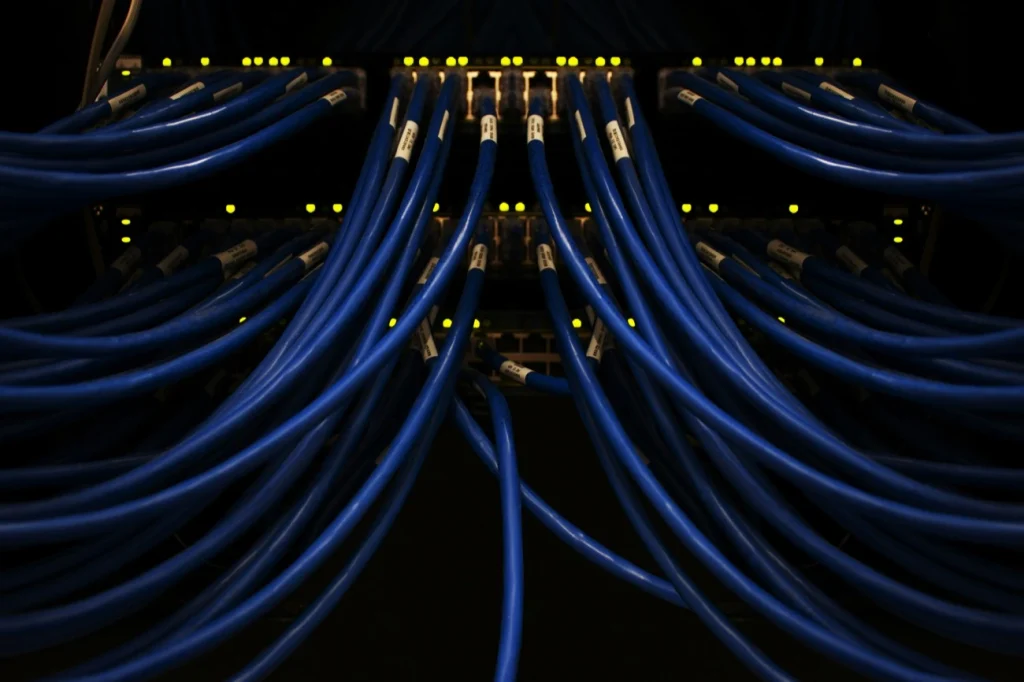
Structured cabling in a rack means that every cable has a clearly defined route, an appropriate length, and a unique label – all organized through a central patch panel instead of scattered individual connections. In contrast, the opposite is something many people know from experience: a tangle of cables that has grown over time, where no one can immediately tell which cable goes where. When you need to make changes or the system goes down, finding the right cable becomes like looking for a needle in a haystack.
Structured cabling consists of four core elements:
- A central patch panel as the connection hub
- Clearly separated horizontal and vertical cable routing
- Consistent, planned cable lengths
- Consistent labeling of all connections
Structured vs. Unstructured Cabling—The Difference at a Glance
| Cable length | Random, varying lengths or coiled excess cable |
| Cable routing | Crisscrossing cables and tangled bundles |
| Labeling | Inconsistent, outdated, or illegible |
| Troubleshooting | Guesswork to find the right cable |
| Airflow | Obstructed by tangled cables and blocked vents |
| Cable length | Consistent, planned lengths |
| Cable routing | Consistent, tidy routes |
| Labeling | Clear, legible, and durable labels that will not smudge |
| Troubleshooting | Affected cables can be identified immediately |
| Airflow | Unobstructed thanks to organized cabling |
Why Is Structured Cabling in a Rack Worthwhile?
An organized rack is more than just a tidy setup. Poor cabling causes two out of three network outages—as explained in our whitepaper on the consequences of poor cable management—and every minute of downtime costs an average of $5,600 (source: Gartner). If you spend valuable time searching for the right cable during an outage instead of finding it immediately, you pay twice.
Moreover, the fact that the industry has established its own standards over the years also shows that rack organization and labeling are more than nice-to-haves. For example, these include TIA-606 in the United States, alongside international and European standards such as ISO/IEC 14763 and DIN EN 50173/50174. The specific requirements vary by standard and region, but the common principle remains the same: Clear labeling speeds up troubleshooting, helping restore applications more quickly.
Common Mistakes and How to Avoid Them

- Coiling excess cable: It may look tidy, but it wastes space and makes changes harder. Use cables of the appropriate length from the start.
- Missing or inconsistent labels: Without clear identification, every troubleshooting task takes longer than necessary.
- Not allowing for a service loop: If you leave no slack when routing cables, you may run into problems during the next maintenance task.
- Inconsistent equipment orientation: This can obstruct fans and reduce airflow inside the rack.
- Using cable ties instead of hook-and-loop straps: Overtightened cable ties can permanently damage cables.
Staying Organized Beyond the Initial Cleanup
Setting up a tidy rack or cleaning it up once is the easy part. The real challenge is maintaining that structure after the tenth change, without someone eventually squeezing another cable into whatever gap they can find.
That is exactly what patchbox.one is designed for: a system with retractable cables and adjustable lengths that automatically maintains an organized setup instead of leaving it to chance.
See how patchbox.one keeps your rack organized over the long term: